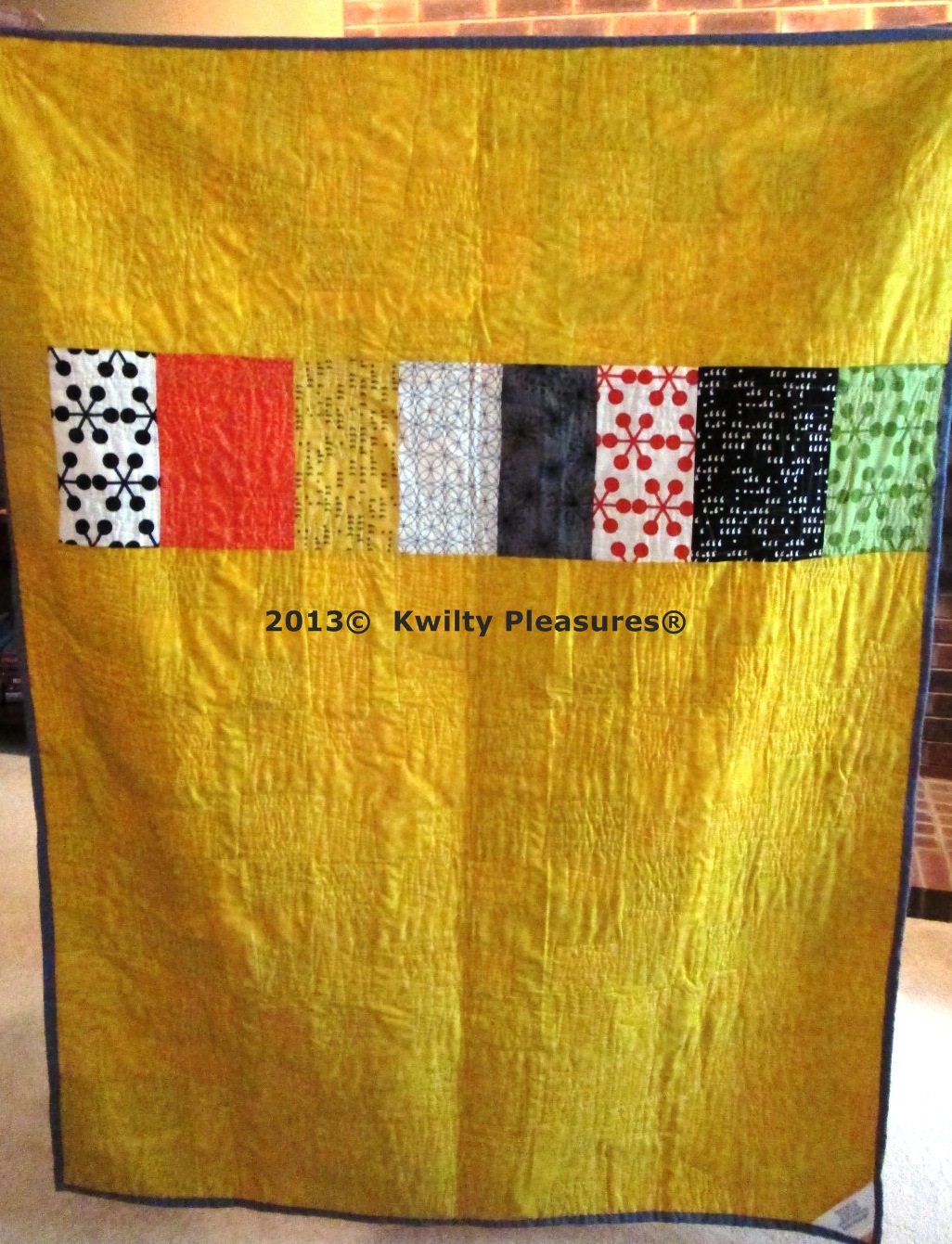
I often doodle a kwilt design over and over
on paper..so it becomes en grained in my brain.
I was on vacation with some time to kill
and no paper on hand. I wanted to figure out a
some designs for a couple kwilts on a long arm machine.
I had my iPad with me and knew
there had to be "an app for that"!!!
SURE ENOUGH..there were several
I downloaded the FREE app...
"Doodle Buddy"
It was so much fun and with the touch of my finger
I was doodling kwilting designs.
First up was a design for my plus kwilt.
I drew the grid in blue-lines were rather thick.
Changed color to red for doodling the design
and here it is.
I found a way to change the colors
and the slide bar to make my doodling lines smaller.
I just kept doodling, clearing the screen and
doodling over and over.
Here is the kwilting on the long arm of this design.
I also had a wonky crosses kwilt to do
so I started with crosses in blue
And did a pointy back and forth kwilting line (in pink)
Doodle Buddy lets you save the images to
the iPad camera roll...
which allowed me to use them in this post!
Here is a close up of the kwilting.
So if you want to practice your FMQ for your home machine
or a longarm...give DOODLE BUDDY a try!


.jpg)